Virtual staging tips
Virtual Staging Tips: 7 Rules for Honest Listing Photos
Virtual staging helps buyers understand the size and purpose of an empty room. It only helps if the photos stay honest: a buyer who feels misled at the showing is hard to win back. These 7 rules keep staged photos useful and fair.
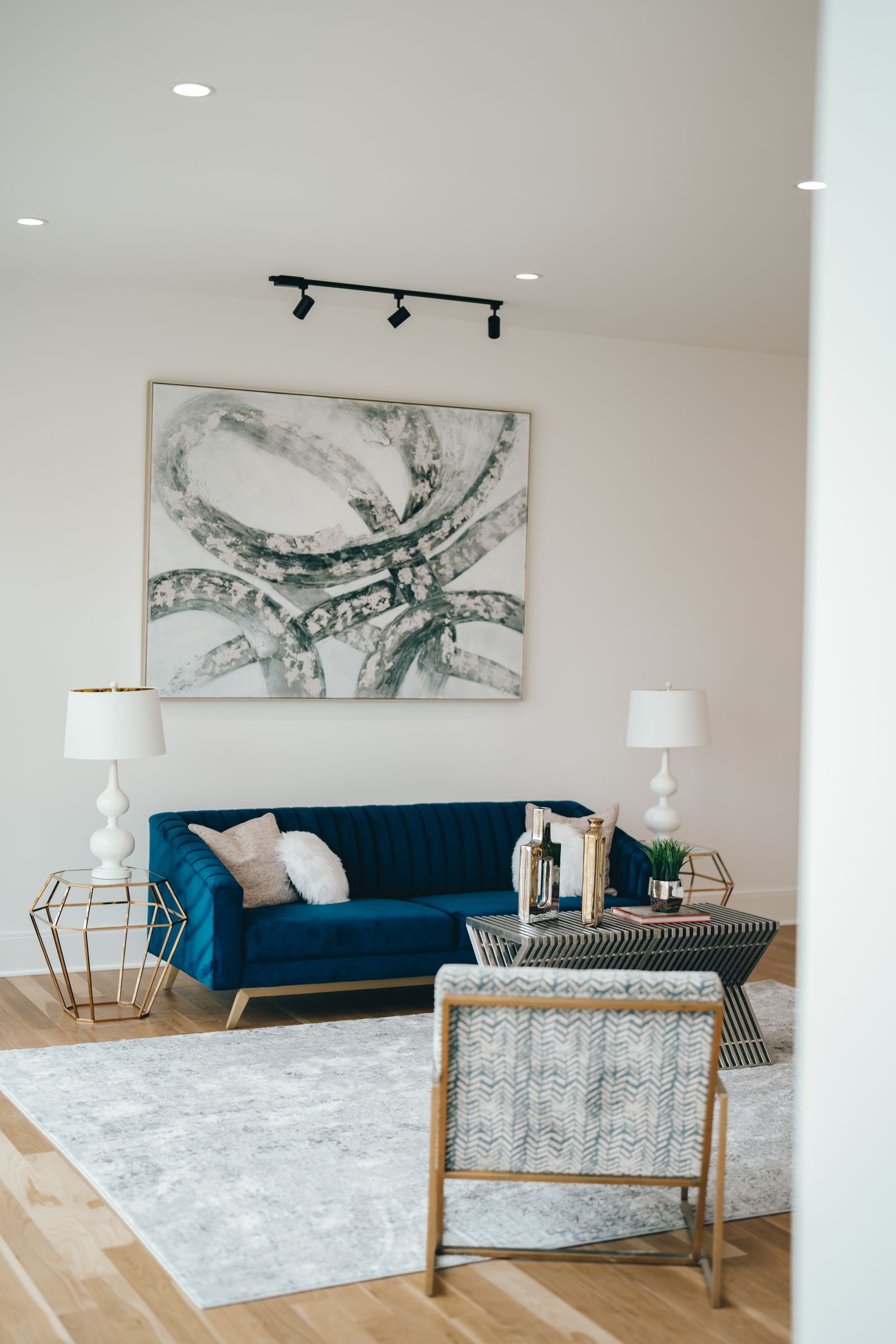
The 7 rules
- Label every staged photo. Put "Virtually staged" on the image or in the caption, the way your MLS asks.
- Show the empty original too. Placing the unstaged photo right after the staged one lets buyers compare.
- Never hide damage. Cracks, stains, water marks and worn floors stay visible; staging adds furniture, it doesn't repair the room.
- Don't change fixed features. Windows, views, flooring, wall color, fixtures and the size of the room stay as they are.
- Keep furniture to scale. Oversized or undersized furniture makes a room look bigger or smaller than it is, so match it to the real measurements.
- Start with the rooms that matter most. The living room and main bedroom usually give buyers the clearest picture; an empty hallway rarely needs staging.
- Check your MLS rules before you upload. Rules on labels, original photos and the main listing photo differ by MLS.
Want this done for you?
The Agent Edition's Virtual Staging furnishes your empty-room photos in the style you pick, checked by a person and delivered with the originals within 48 hours. 3 photos $29, 6 photos $49, 10 photos $79. See the before-and-after styles at theagentedition.com/services/virtual-staging.
General information, not legal advice. MLS and state rules on virtual staging vary.